🧊
+1
0 WPM
Highlit
Back
Filipino
En
⏱️ :
60
 Loading...

Finger Practice Change Language Activate Keyboard
NOTE: If you have a correct keyboard layout installed on your computer, uncheck the above box.
Press ALT + 0256 for this charecter
Change Test :
Random Words
▼
LEADER-BOARD
GLOBAL RANKING (TOP 10)
GLOBAL RANKING (TOP 10)
Online Filipino Typing Test: Free Typing Speed Test in Filipino & English (1 Minute to 1 Hour)
Want to know how fast you really type? Our online Filipino typing test is a free typing speed test that measures your words per minute (WPM) and accuracy in both Filipino (Tagalog) and English. Whether you are a student, a job seeker, a freelancer, a virtual assistant, or a data entry professional, this tool helps you test, practice, and prove your typing skills.
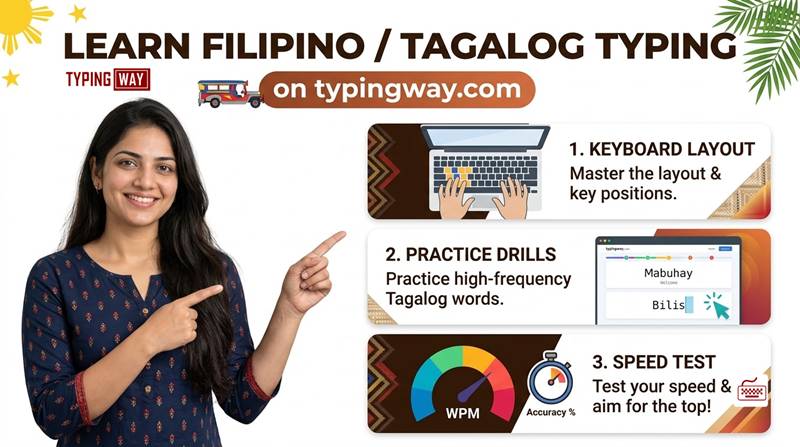
What Is an Online Filipino Typing Test?
An online Filipino typing test is a timed exercise where you type a passage in Filipino and the software calculates your typing speed (WPM), accuracy, and error count. It is the quickest way to measure your Tagalog typing skills and see where you can improve. You can start right now with our Filipino typing test.
Key Features of Our Filipino Typing Test Tool
1. Flexible Test Duration: 1 Minute to 1 Hour
Choose any duration, from a quick 1 minute typing test to a full 1 hour typing test. Short tests suit daily speed checks, while longer tests build endurance and consistency, which matters for data entry and transcription jobs.
2. Switch Between Filipino and English Instantly
Use the simple radio button to switch between English and Filipino with no page reload. This lets you practice both languages in one place, which is ideal for bilingual typists, BPO applicants, and virtual assistants.
3. Choose Your Difficulty Level
Select the exercise type that matches your goal:
- Easy words: perfect for beginners
- Moderate words: build speed and rhythm
- Hard words: challenge yourself with complex spellings
- Legal terms: practice for court, law office, and legal transcription work
- Technological terms: train for IT, software, and tech typing jobs
You can also practice with different paragraphs so you never memorize the text.
4. Gamified Typing Engine
Practice shouldn't feel boring. Our typing engine is gamified, which keeps you motivated and coming back. Want even more fun? Try our free typing games, such as Bubble Blast, to boost your speed while playing.
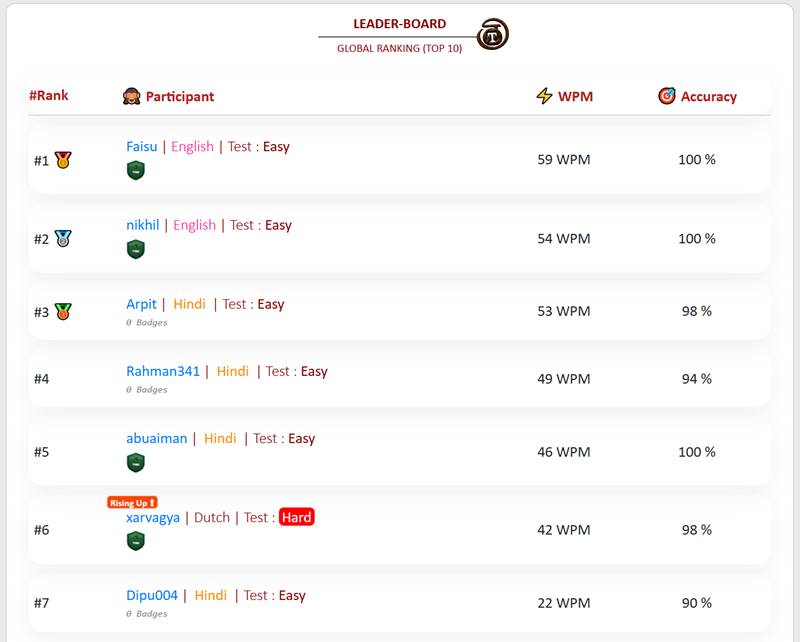
5. Compete on the Typing Leaderboard
At the end of each test, save your score and compete with other typists. The top 10 users are displayed on the leaderboard, so every test becomes a chance to climb the ranks.
6. Build a Typing Portfolio for Your Resume
Create a free profile and build a complete typing portfolio with your speed history and progress. You can display it on your resume or CV to stand out when applying for typing jobs, data entry roles, and clerical positions.
7. Download a Typing Speed Certificate
After your test, download your typing certificate showing your WPM and accuracy. It is useful as proof of your skills in a job interview or on a job application.
8. Exam Mode for Government Typing Tests
Preparing for a government typing exam? Our exam mode is built on the official exam pattern so you can practice in realistic conditions. Try the High Court LDC typing test or use the typing exam simulator to rehearse for the real thing.
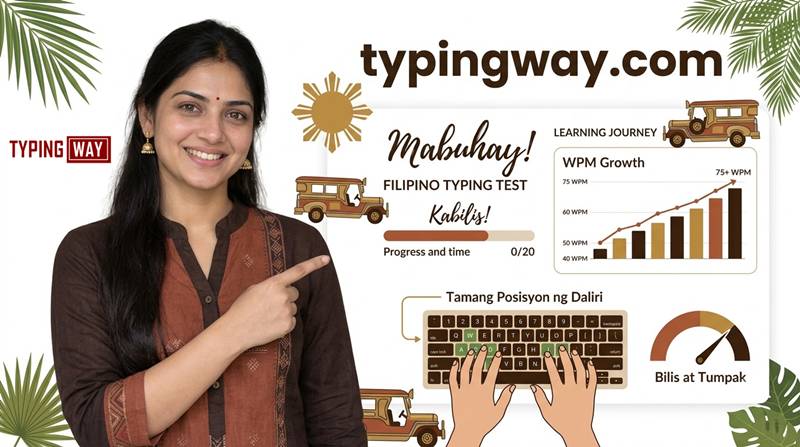
9. Finger Practice Guide for Touch Typing
Learn touch typing the right way. Our finger practice guide teaches correct finger placement on the home row so you can type faster without looking at the keyboard. Prefer a video lesson? Watch our typing tutorial playlist on YouTube.
10. AI-Based Typing Tutor
Our AI typing tutor analyzes your results and gives personalized feedback. It shows which keys, words, and patterns slow you down and where you need more practice. You can also explore our English typing tutor for structured lessons.
11. Minimalist Mode: Distraction-Free Typing
Want to focus? Turn on minimalist mode to remove ads and clutter. You can also try the minimal English typing test for a clean, focused experience.
How to Take the Filipino Typing Test (Step by Step)
- Select your test duration (1 minute up to 1 hour).
- Pick Filipino or English with the radio button.
- Choose your difficulty level or paragraph type.
- Start typing. The timer begins with your first keystroke.
- Check your WPM and accuracy at the end.
- Save your score to the leaderboard and download your certificate.
How to Improve Your Typing Speed in Filipino
- Learn touch typing. Keep your fingers on the home row and stop looking at the keys.
- Accuracy first, speed second. Speed grows naturally once errors drop.
- Practice daily. Even 10 to 15 minutes a day shows results within weeks.
- Use varied texts. Mix easy, hard, legal, and technical words to build a broad vocabulary.
- Follow your AI feedback. Focus on the weak keys and words it highlights.
- Maintain good posture. Sit upright, relax your wrists, and keep your screen at eye level.
Who Should Use This Typing Test?
- Students who want faster assignments and exam writing
- Job seekers applying for data entry, clerical, BPO, and admin jobs
- Virtual assistants and freelancers who need proof of speed
- Government exam candidates preparing for official typing tests
- Writers and transcriptionists who want to work faster
Try Typing Tests in Other Languages
Want to practice more languages? Explore our other free tests:
- Portuguese typing test
- French typing test
- Spanish typing test
- Amharic typing test
- Indonesian typing test
- Select your language typing test
Frequently Asked Questions (FAQ)
What is a good typing speed in Filipino?
A typing speed of around 40 WPM is generally considered average, while 60 WPM or more is considered good for most office and data entry jobs. Professional typists often reach 70 to 100 WPM or higher. Filipino words tend to be longer than English words, so your Filipino WPM may be slightly lower at first, which is normal.
Is the online Filipino typing test free?
Yes. You can take the Filipino typing test for free, with no signup required. Creating a profile is optional and lets you save scores and build a typing portfolio.
Can I switch between English and Filipino during practice?
Yes. Use the radio button on the tool to switch instantly between English and Filipino.
How long are the typing tests?
You can choose any duration from 1 minute to 1 hour.
Can I download a typing certificate?
Yes. After completing a test, you can download a typing speed certificate showing your WPM and accuracy to share with employers.
Does this tool help with government typing exams?
Yes. The exam mode follows the official exam pattern so you can practice in realistic conditions. You can also use the typing exam simulator and the High Court LDC typing test.
How do I learn touch typing?
Start with our finger practice guide, learn the home row positions, and practice daily. The AI tutor will point out your weak areas.
How is WPM calculated?
WPM is calculated by dividing the number of characters typed by 5 (the standard word length) and then dividing by the time in minutes. Accuracy is the percentage of correctly typed characters.
Can I use the typing test without ads?
Yes. Switch on minimalist mode for a clean, ad-free, distraction-free experience.
Start Your Filipino Typing Test Today
Ready to find out your real typing speed? Scroll up, choose your duration, pick Filipino or English, and start typing. Save your score, climb the leaderboard, build your typing portfolio, and download your certificate. Every test makes you faster and more accurate.