🧊
+1
0 WPM
Highlit
Back
Portuguese
En
⏱️ :
60
 Loading...

Finger Practice Change Language Activate Keyboard
NOTE: If you have a correct keyboard layout installed on your computer, uncheck the above box.
Press ALT + 0256 for this charecter
Change Test :
Random Words
▼
LEADER-BOARD
GLOBAL RANKING (TOP 10)
GLOBAL RANKING (TOP 10)
Online Portuguese Typing Test - Check Your Typing Speed (WPM) and Accuracy in Portuguese for Free
Want to know how fast you really type in Portuguese? Our online Portuguese typing test is a free, instant way to measure your words per minute (WPM), accuracy and consistency using real Portuguese words and sentences. Whether you are a student, a call-centre professional, a translator, a data-entry candidate or someone learning Portuguese, this teste de digitação em português helps you build speed without installing anything and without signing up.
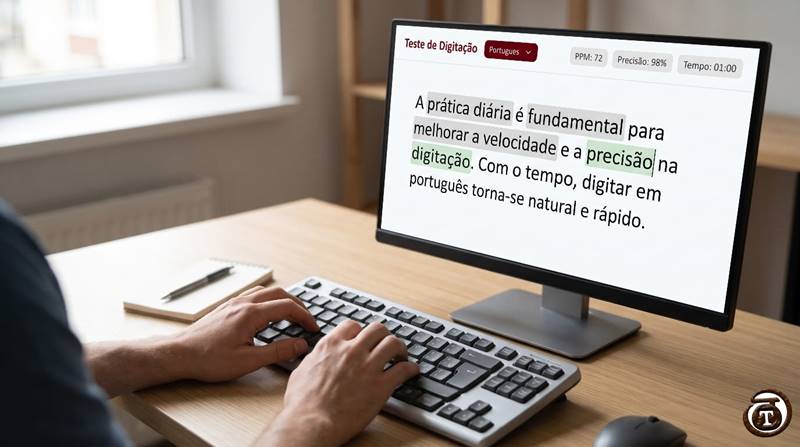
Table of Contents
- What Is a Portuguese Typing Test?
- Why Take a Portuguese Typing Speed Test?
- How to Use the Online Portuguese Typing Test
- Portuguese Keyboard Layouts and Accent Marks
- Average Typing Speed: What Is a Good WPM in Portuguese?
- 10 Tips to Type Faster in Portuguese
- Practice Resources to Improve Your Typing
- Frequently Asked Questions (FAQ)
What Is a Portuguese Typing Test?
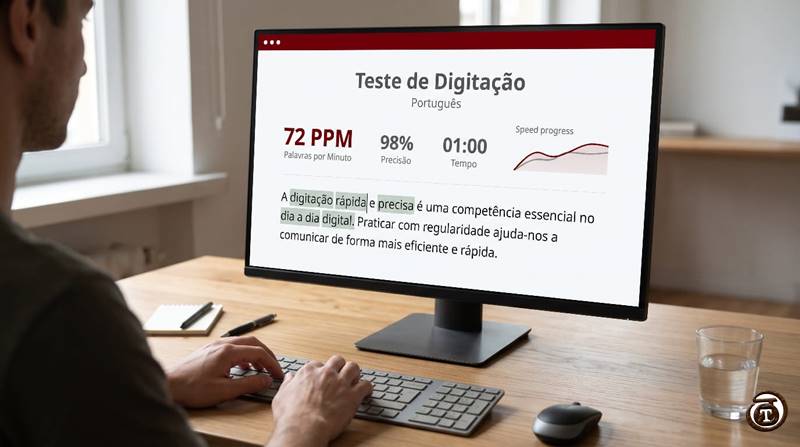
A Portuguese typing test (also called teste de digitação or teste de velocidade de digitação) is a timed exercise in which you type a passage written in Portuguese. When the timer ends, the tool calculates:
- WPM (words per minute) - your typing speed.
- Accuracy (%) - how many characters or words you typed correctly.
- Errors - missed letters, wrong accents and extra keystrokes.
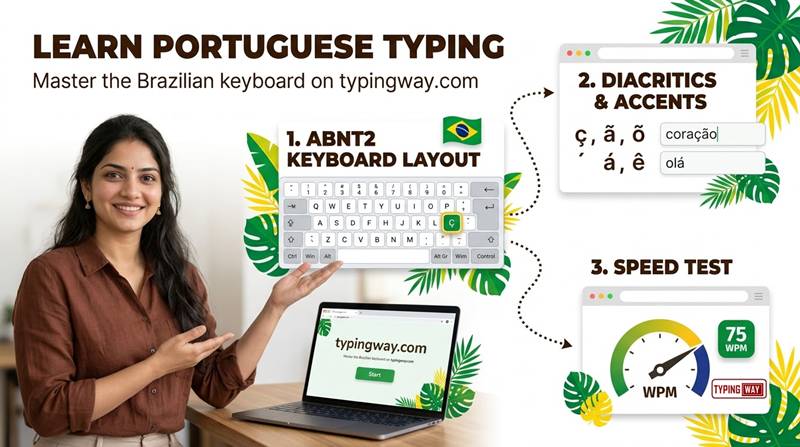
Unlike an English test, a Portuguese test checks your handling of special characters such as ç, ã, õ, á, é, í, ó, ú, â, ê, ô and à, which make typing in Portuguese a different skill.
Why Take a Portuguese Typing Speed Test?
Regular practice with a typing test in Portuguese offers real benefits:
- Job readiness: Many customer-support, back-office, transcription and data-entry jobs in Brazil, Portugal, Angola and Mozambique require a minimum typing speed.
- Academic work: Write essays, theses and reports faster.
- Language learning: Typing Portuguese words repeatedly strengthens spelling, accents and vocabulary.
- Productivity: Faster typing saves hours every week in emails, chats and documents.
- Exam preparation: Build the speed and accuracy needed for formal typing exams.
How to Use the Online Portuguese Typing Test
- Scroll up to the typing box and place your cursor in it.
- Start typing the Portuguese text shown. The timer starts as soon as you press your first key.
- Keep your eyes on the text, not the keyboard, and avoid looking at your hands.
- Finish the test and review your WPM, accuracy and mistakes.
- Repeat daily and track your improvement.
Tip: Accuracy matters more than raw speed. Aim for 95% accuracy or higher before pushing for more WPM.
Portuguese Keyboard Layouts and Accent Marks
The most common layouts for typing in Portuguese are:
- ABNT2 (Brazilian Portuguese): Has a dedicated Ç key and dead keys for the acute (´), tilde (~), circumflex (^) and grave (`) accents.
- Portuguese (Portugal) layout: Common in European Portuguese, with its own placement for ç, ~ and ´.
- US International: Widely used by learners and programmers; accents are typed with a dead key followed by the letter (for example, ' + a = á, ~ + a = ã, ' + c = ç).
Setting your operating system to the right keyboard layout is the first step to a smooth Brazilian Portuguese typing test or European Portuguese typing test. Do not use Alt codes during the test: they slow you down.
Average Typing Speed: What Is a Good WPM in Portuguese?
Portuguese words are on average longer than English ones, so typing speeds are often a little lower. As a general guide:
| Level | WPM | What it means |
|---|---|---|
| Beginner | 10-25 WPM | Still looking at the keyboard |
| Average | 30-40 WPM | Comfortable for everyday use |
| Good | 40-60 WPM | Suitable for most office jobs |
| Advanced | 60-80 WPM | Professional typist level |
| Expert | 80+ WPM | Transcription and competitive typing |
These ranges are general guidelines; employers and exams set their own requirements.
10 Tips to Type Faster in Portuguese
- Learn touch typing. Keep your fingers on the home row (ASDF JKL;). Our finger practice lessons teach correct finger placement step by step.
- Master the accent keys. Practise ç, ã and õ separately until they feel automatic.
- Prioritise accuracy. Correcting mistakes costs more time than typing slowly and cleanly.
- Sit correctly. Keep your back straight, wrists relaxed and the screen at eye level.
- Practise common Portuguese words such as que, não, para, uma, com, mais, também, você, obrigado, então.
- Type common endings like -ção, -ções, -mente, -ando, -endo until they become muscle memory.
- Practise 15 minutes a day. Short daily sessions beat one long weekly session.
- Do not look at the keyboard. Cover your hands with a cloth if needed.
- Use rhythm. Steady, even keystrokes are faster than bursts and pauses.
- Track your progress. Retake the test regularly and compare your WPM and accuracy.
Practice Resources to Improve Your Typing
Once you have your first Portuguese result, use these resources to keep improving:
- Learn from the basics: Follow the English typing tutor to build a strong foundation in touch typing that carries over to Portuguese.
- Make it fun: Try our free typing games or jump straight into Bubble Blast to boost speed and reflexes.
- Choose your test: Visit the select typing test page to pick the language and duration that suits you.
- Distraction-free mode: Prefer a clean screen? Try the minimal typing test.
- Exam preparation: Practise under real exam conditions with the typing exam simulator or try the High Court LDC typing test.
- Video lessons: Watch this typing tutorial playlist on YouTube to see correct technique in action.
Who Can Use This Portuguese Typing Test?
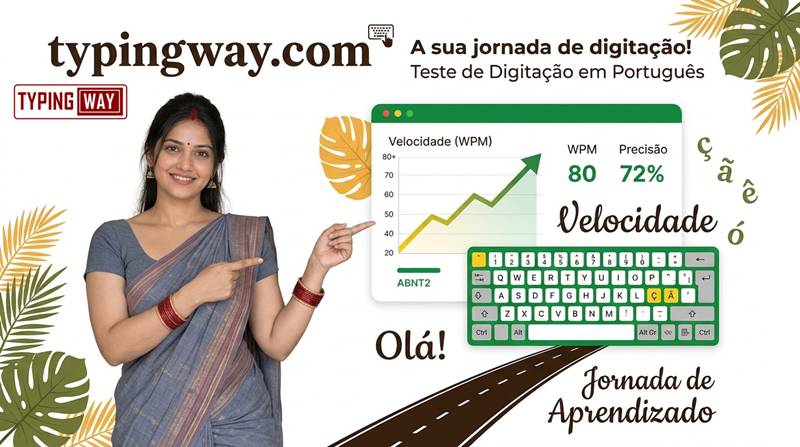
- Students in Brazil, Portugal, Angola, Mozambique, Cape Verde and other Portuguese-speaking countries
- Job seekers preparing for typing and data-entry assessments
- Learners of Portuguese as a second language
- Translators, writers, bloggers and content creators
- Teachers who want a free classroom typing activity
Key Features of Our Free Online Portuguese Typing Test
- 100% free, no registration required
- Real Portuguese words and sentences
- Instant WPM and accuracy results
- Works in your browser on desktop, laptop and tablet
- Suitable for beginners and advanced typists
Frequently Asked Questions (FAQ)
1. What is an online Portuguese typing test?
It is a free, timed test in your browser where you type Portuguese text and get your typing speed in words per minute (WPM) and your accuracy.
2. Is the Portuguese typing test free?
Yes. You can take the test as many times as you want, with no payment or sign-up.
3. What is a good typing speed in Portuguese?
Around 40-60 WPM with 95% or higher accuracy is considered good for most office and data-entry roles. Speeds above 60 WPM are considered advanced.
4. How do I type Portuguese accents like ç, ã and õ?
On an ABNT2 keyboard, use the dedicated Ç key and the accent dead keys. On a US International layout, press the accent key (' ~ ^ `) first and then the letter, for example ~ + a = ã and ' + c = ç.
5. Does the test work for both Brazilian and European Portuguese?
Portuguese typing uses the same alphabet and accent marks in both varieties, so the practice applies to Brazilian and European Portuguese alike. Choose the keyboard layout you are most comfortable with.
6. How is WPM calculated?
WPM is generally calculated by treating every five characters (including spaces) as one word and dividing the total by the time taken in minutes. Accuracy compares correct characters with total characters typed.
7. How can I improve my Portuguese typing speed quickly?
Learn touch typing, practise accent keys, focus on accuracy first and practise 15-20 minutes every day. Typing games and lessons help you build speed faster.
8. Can I use this test to prepare for a job typing exam?
Yes. It is a good way to check your baseline speed and accuracy. For exam-style practice, use a typing exam simulator and repeat tests under timed conditions.
9. Do I need to install any software?
No. The test runs directly in your web browser on your computer, laptop or tablet.
10. How often should I take the typing test?
Take it once a day or at least three to four times a week, and track your WPM and accuracy to see steady progress.
Start Your Portuguese Typing Test Now
Ready to find out your speed? Scroll up, click the typing box and take the online Portuguese typing test now. Beat your score tomorrow, and keep practising until typing in Portuguese feels effortless.
Related searches: online Portuguese typing test, Portuguese typing test, teste de digitação online, teste de digitação em português, Portuguese typing speed test, typing test in Portuguese, Portuguese WPM test, free Portuguese typing test, Brazilian Portuguese typing test, European Portuguese typing test, Portuguese keyboard typing practice, Portuguese typing accuracy test, velocidade de digitação, teste de velocidade de digitação.