🧊
+1
0 WPM
Highlit
Back
Deutsch
En
⏱️ :
60
 Loading...

Finger Practice Change Language Activate Keyboard
NOTE: If you have a correct keyboard layout installed on your computer, uncheck the above box.
Press ALT + 0256 for this charecter
Change Test :
Random Words
▼
LEADER-BOARD
GLOBAL RANKING (TOP 10)
GLOBAL RANKING (TOP 10)
Online German Typing Test – Check Your German Typing Speed in WPM
Take a free online German typing test and measure your typing speed in WPM (words per minute), accuracy, and error rate. Whether you need a 1 minute German typing test for a quick check or a full 1 hour German typing test for serious practice, this tool lets you choose your own duration and improve your German keyboard skills step by step.
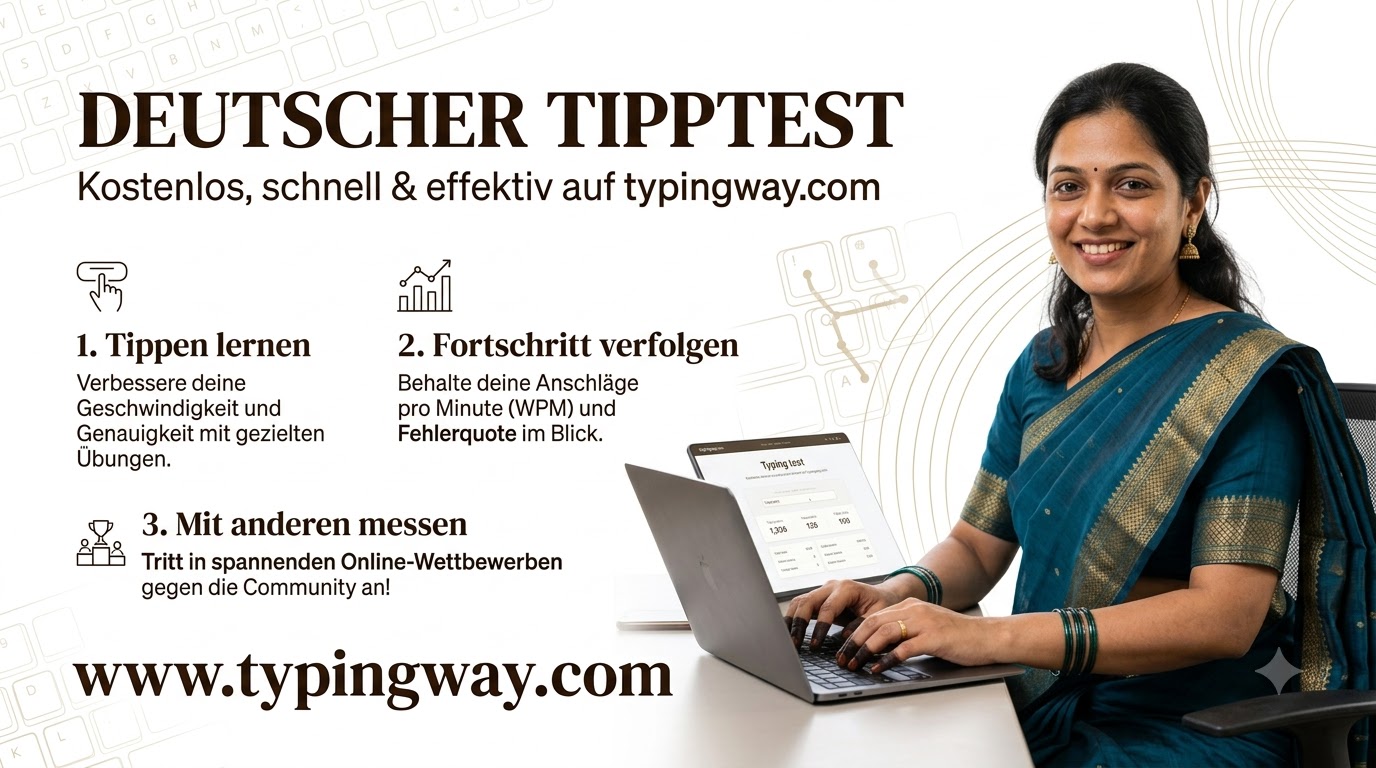
What Is the Online German Typing Test?
The German typing speed test is a browser-based practice tool designed for students, job seekers, government-exam aspirants, translators, data-entry professionals, and anyone learning the German QWERTZ keyboard. You can switch between English and German using a simple radio button, select your preferred test duration, and begin typing immediately—without installing any software.
The test calculates your German WPM using the standard method where one word equals five characters. It also tracks accuracy, mistakes, backspaces, and overall typing consistency so you can understand both how fast and how accurately you type. [2][13]
Choose a Typing Test From 1 Minute to 1 Hour
Unlike basic typing websites that offer only a short test, this German typing test online gives you complete control over the session length. Select the duration that matches your goal:
- 1 minute German typing test – ideal for a quick WPM check
- 2 minute and 5 minute typing test – best for daily practice
- 10 minute German typing test – suitable for exam-style preparation
- 15 minute and 30 minute typing test – builds stamina and consistency
- 1 hour German typing test – perfect for professional typing practice and long-form accuracy training
Short tests are useful for measuring raw speed, while longer tests reveal whether you can maintain speed and accuracy without fatigue. A reliable German test counts characters correctly, including German umlauts and the Eszett (ß). [4][13]
Switch Easily Between English and German
You can practise in English or German with one click. The language radio button lets you change the exercise language instantly, making this tool useful for bilingual learners, German-language students, and candidates preparing for typing assessments that require English proficiency as well.
For German practice, the tool supports the German QWERTZ keyboard layout. The main difference from QWERTY is that the Y and Z keys are swapped, while German characters such as ä, ö, ü, and ß are included in the typing exercises. [2][15]
Multiple German Typing Exercises
This is more than a simple German WPM test. You can choose from several exercise levels and content types to match your current skill level:
- Easy German words – perfect for beginners learning finger positions
- Moderate German words – improves rhythm, speed, and accuracy
- Hard German words – builds control over difficult spellings and key combinations
- Legal terms typing practice – useful for court, legal clerical, and documentation work
- Technological terms typing practice – ideal for IT, technical writing, and office jobs
- German paragraph typing test – develops real-world typing flow and reading speed
Practising different word categories prevents memorisation and helps you become comfortable with varied German vocabulary, punctuation, capitalisation, and sentence structures.
Gamified Typing Engine and Leaderboard
The typing engine is fully gamified to keep practice engaging. After every test, you can save your result and compete with other learners on the typing leaderboard. The top 10 users are displayed, giving you a clear target to beat in your next German typing speed test.
Gamification turns repetitive keyboard practice into a challenge: improve your WPM, protect your accuracy, climb the leaderboard, and track your personal-best score over time. For a more playful way to build keyboard reflexes, try the typing games collection or play Bubble Blast.
Create a Typing Portfolio and Download a Certificate
Users can create a profile and build a complete typing portfolio. Your portfolio can display your best WPM, accuracy percentage, preferred language, test history, and improvement progress—useful when applying for data-entry, transcription, clerical, virtual assistant, or remote typing jobs.
After completing a qualifying test, you can download a German typing speed certificate to show in a job interview or attach to your resume. A certificate generally records your WPM, accuracy, language, test duration, and date; it is a useful proof of your measured skill on the platform. [7][9]
For government recruitment, remember that an online certificate is excellent for practice and portfolio purposes, but the final skill test is conducted by the recruiting authority under its own rules. [14]
Exam Mode for Government Typing Tests
The built-in exam mode helps candidates prepare for government typing examinations in a realistic environment. It is designed around official exam patterns, with timed passages, accuracy tracking, and result analysis so you can practise under pressure.
Use the typing exam simulator to simulate a formal typing assessment. If you are preparing for a court or clerical recruitment test, the High Court LDC typing test page provides targeted practice for that exam format.
You can also choose from different languages and durations through the online typing test selector, making it easy to build a complete preparation routine.
Learn Touch Typing With the Finger Practice Guide
If you are new to typing or still look at the keyboard, start with the finger practice guide. It teaches correct finger placement, home-row positioning, and touch-typing technique so you can type without watching your hands.
Correct finger placement reduces unnecessary movement, improves accuracy, and helps you type German characters more confidently on the QWERTZ layout. Once your base technique is stable, move to timed German word drills and paragraph tests to increase WPM gradually.
AI Typing Tutor With Personal Feedback
The platform includes an AI-based typing tutor that analyses your performance and identifies exactly where you need improvement. Instead of only showing a final score, it gives practical feedback on weak keys, frequent mistakes, speed drops, accuracy issues, and finger-placement problems.
This makes the tool useful as a German typing tutor as well as a speed test. For structured English lessons, explore the English typing tutor, or watch guided lessons through the typing tutorial playlist.
Minimalist Mode for Distraction-Free Practice
Prefer a clean screen with no advertisements or extra elements? Enable minimalist mode and focus completely on the text, timer, and keyboard. This mode is ideal for serious practice, exam simulation, and users who want a distraction-free typing environment.
For a simple English-only experience, try the minimal English typing test. It is especially helpful when you want to build concentration without visual clutter.
Who Should Use This German Typing Test?
- German learners who want to type German accurately using QWERTZ
- Students preparing for computer or typing examinations
- Government job aspirants preparing for typing skill tests
- Data-entry candidates who need a proven WPM and accuracy record
- Transcriptionists and virtual assistants who require fast keyboard skills
- Office workers who want to improve everyday productivity
- Legal and technical professionals who need specialised vocabulary practice
How to Improve Your German Typing Speed
- Start with a 1 minute German typing test to establish your current WPM.
- Use the finger practice guide to learn correct home-row positioning.
- Practise easy German words before moving to hard words, legal terms, and technical terms.
- Focus on accuracy first; speed improves naturally once errors decrease.
- Take a 10-minute or 30-minute test regularly to build stamina.
- Review AI tutor feedback and repeat drills for your weakest keys.
- Use exam mode before a government typing assessment.
- Save your scores, track progress, and aim to beat your personal best.
German Typing Speed Benchmarks
| Typing Speed | Skill Level | Best Use |
|---|---|---|
| Below 25 WPM | Beginner | Learn finger placement and basic German words |
| 25–35 WPM | Intermediate | General office and data-entry preparation |
| 35–45 WPM | Advanced | Professional typing jobs and exam preparation |
| 45+ WPM | Expert | High-speed transcription and competitive typing |
WPM is only one part of the result. For professional and examination purposes, accuracy is equally important because uncorrected errors can reduce your net typing score. [7][8]
Frequently Asked Questions
Is this online German typing test free?
Yes. You can take the free German typing test online directly in your browser. Choose your preferred duration, language, and exercise type, then start typing immediately.
Can I take a 1 minute German typing test?
Yes. The tool supports a 1 minute German typing test, along with longer options ranging from a few minutes up to a full 1 hour German typing test.
How is German WPM calculated?
German WPM is calculated using the standard typing-test formula: one word equals five characters. Your score is based on the characters typed, the test duration, and applicable error deductions. [2][13]
Does the test support the German QWERTZ keyboard?
Yes. The German exercises are designed for the QWERTZ layout, including the Y–Z key difference and German special characters such as ä, ö, ü, and ß. [2][15]
Can I switch between English and German?
Yes. Use the language radio button to switch between English and German instantly. This is useful for bilingual learners and candidates preparing for both language tests.
Can I practise German paragraphs?
Yes. In addition to easy, moderate, hard, legal, and technological word exercises, you can practise complete German paragraphs to improve real typing flow and concentration.
Can I download a German typing certificate?
Yes. After completing an eligible test, you can download a typing speed certificate showing your WPM, accuracy, and test details. Use it for your resume, portfolio, or job interview.
Is the certificate valid for government exams?
The certificate is useful for demonstrating your typing ability and tracking progress, but government recruitment authorities conduct their own official skill test. Always follow the specific instructions and requirements of your target examination. [14]
What is exam mode?
Exam mode provides a realistic typing-test environment based on official exam patterns. It is designed to help you practise time management, accuracy, and pressure handling before a government typing examination.
What is minimalist mode?
Minimalist mode removes unnecessary on-screen elements and advertisements so you can practise in a clean, distraction-free environment.
How can I increase my German typing speed faster?
Practise daily with short tests, use the finger practice guide, focus on accuracy, review AI tutor feedback, and gradually increase the test duration. Avoid looking at the keyboard and maintain a steady rhythm rather than typing randomly as fast as possible.
Start Your German Typing Test Now
Begin with a 1 minute online German typing test, check your WPM and accuracy, then move to longer sessions as your confidence grows. With multiple exercises, English–German switching, AI feedback, exam mode, leaderboard competition, certificates, and a minimalist interface, this tool gives you everything needed to become a faster and more accurate German typist.